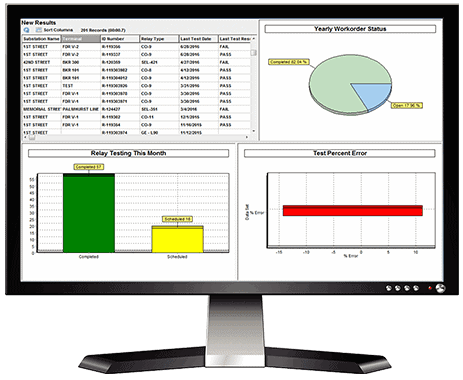

BETTER RELAY TESTING & MANAGEMENT
Software that improves processes and reporting for professionals who maintain protection systems.

Click the link below for the latest software, knowledge articles and for customer support

12/12/2022 | RTS 7 Release | 7.2.1.0
12/12/2022 | PowerBase 7 Release | 7.2.1.0

Please be reminded that all [@enoserv.com] email addresses will be discontinued as of June 30th, 2021. Please use our [@doble.com] email addresses.
As a valued customer we thank you for taking the time to update your records.
Please feel free to contact us with any questions.
ENOSERV
8801 S Yale Ave Ste 415
Tulsa, OK 74137-3514
USA
Phone: (918) 622 4530
Hours 8:00 AM to 5:00 PM CST
Sales Email: [email protected]
RTS Support Email: [email protected]
PowerBase Email: [email protected]

The ENOSERV customer support team is available by phone from 8:00 AM to 5:00 PM CST (excluding weekends and holidays) to answer questions from evaluators and customers with current maintenance and support agreements.
To submit a support case or speak with a support representative, please call 918-622-4530. You may also send an E-mail to [email protected]. Be sure to include your company name and ENOSERV product(s).

Visit the Doble Protection Training site to sign up for one of our training events.

The Doble sales team is always ready to help. Use our online contact form or call us at 617-926-4900.
 Faster Relay Testing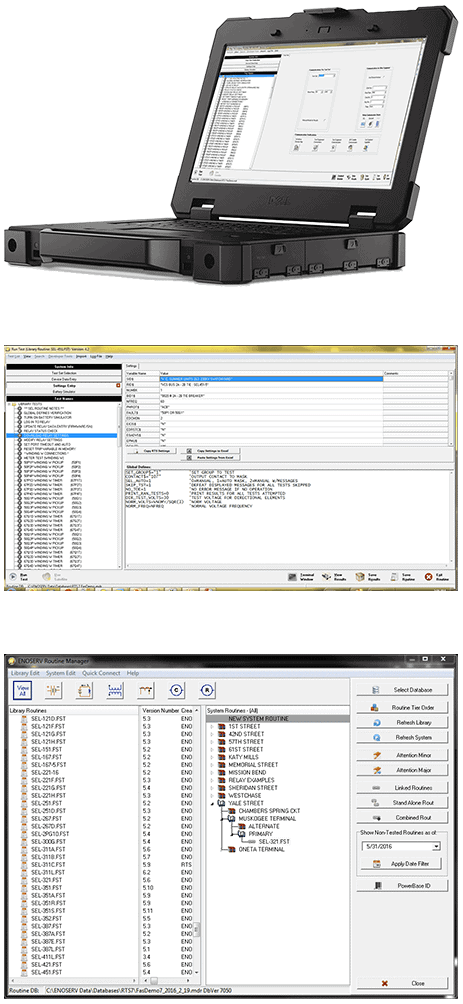
 Central Data Control